







2

Multilingual Power Apps p2
Multilingual Power Apps p2 second part connected with Translation topic . Learn how to use Collection and Gallery instead of the Forms control. Meet Infinity Form and boost your Apps.
Microsoft 365 | Power Platform
Pay-as-you-go plan is evolving for a while and with the recent changes around per App licensing I was force to learn about it. Pay-as-you-go is full of surprises and you should learn about them fast. This is investment to save your time and money.
Read ArticleIf you are in need to create report with pictures and you ant to do it for free with out of the box connectors this blog post is for you. You will learn how to resize images to the small size and stay in the limit of the file size.
Read ArticlePower Automate Cloud Flows have many settings which might help you to create better solutions. Learn how to with single toggle change your Flow to work with multiple items at time. Meet the Split On setting and learn how to use it in your work.
Read ArticleLearn how to instantly use SharePoint ID as part of your Custom ID in the Power Apps. More know what is to utilize Power Automate but it is connected with the delay from timer job… Learn how to avoid it and create your own ID with SharePoint ID in Power Apps.
Read ArticleLearn how to use Customized forms outside the New / View / Edit forms. Give your Customized forms some freedom.
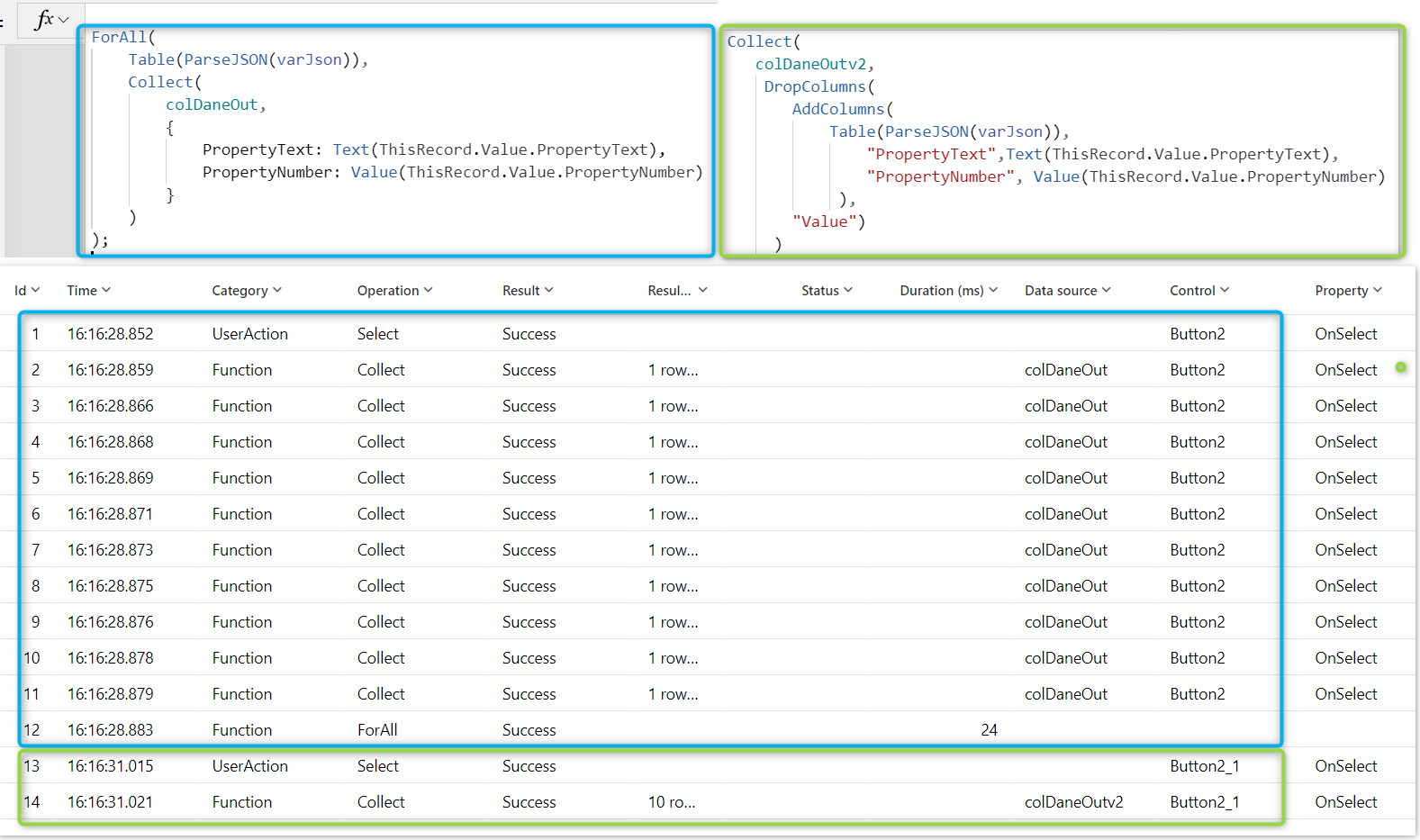
Read ArticleParse JSON function finally is avaible for Power Apps. In this post I will show you step by step how to use For All function to process your data and I will show you alternative to it. The alternative way will be much faster and better for performance of your Apps, so hope you will use it asap.
Read ArticleQuick story of how to resolve issue: AADSTS500014: The service principal for resource https://dev.teams.microsoft.com is disabled
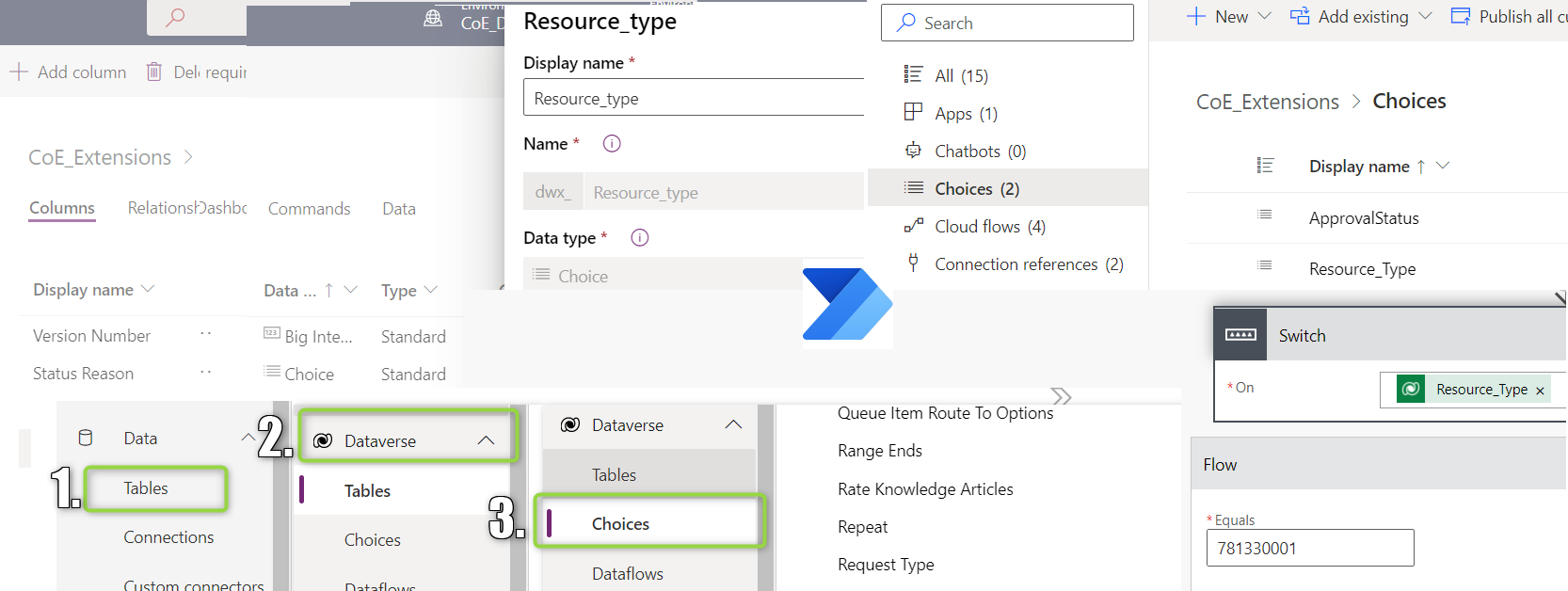
Read ArticleHow to get Dataverse Choices values for Power Automate will show my road of learning how to work with Choices field from Dataverse. You will also learn all the ways how which I learned how to find Choices in Dataverse.
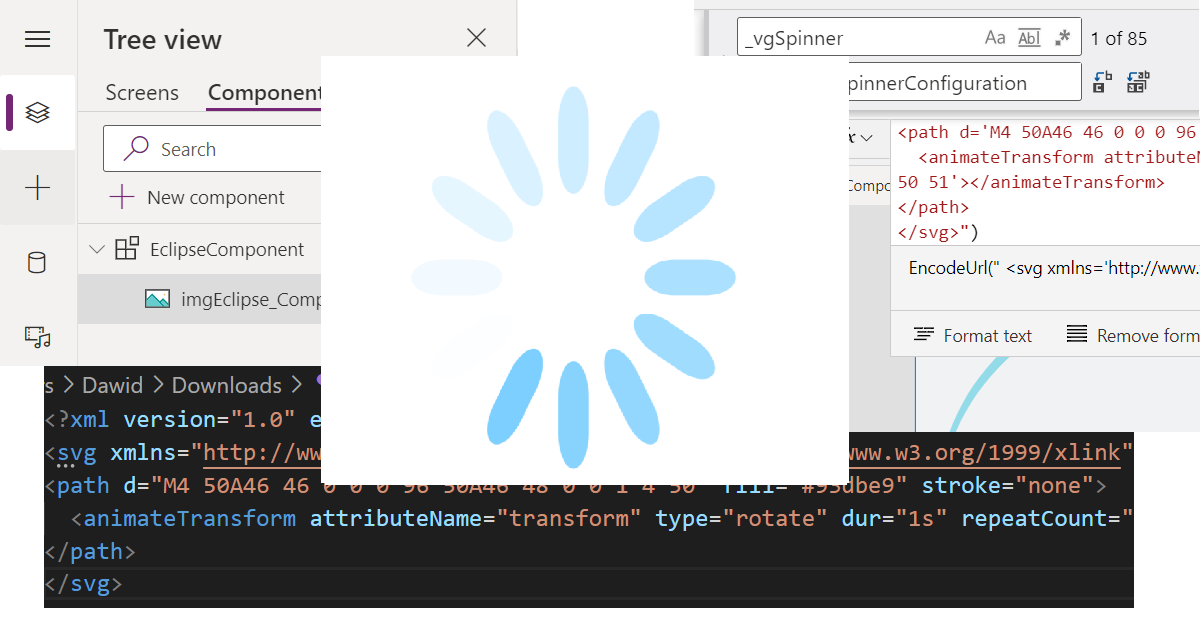
Read ArticleIn how to use SVG to create spinner in Power Apps I’m describing the whole thinking process of using SVG in the Power Apps. In the end, I’m also sharing the ready to use Components and App, so the results can be achieved much quicker.
Read ArticleHow to get Site templates (Site Design) via Power Automate is showing how to “scan” get the list of all Site templates at your SharePoint tenant via REST API. Additionally, In the post I’m showing neat way to work with the returned objects without need to Parse Json action. Knowing the path to property is enough. That is also valid for working with Select action.
Read ArticleRead the latest release articles and learn without limits.
Multilingual Power Apps p2 second part connected with Translation topic . Learn how to use Collection and Gallery instead of the Forms control. Meet Infinity Form and boost your Apps.
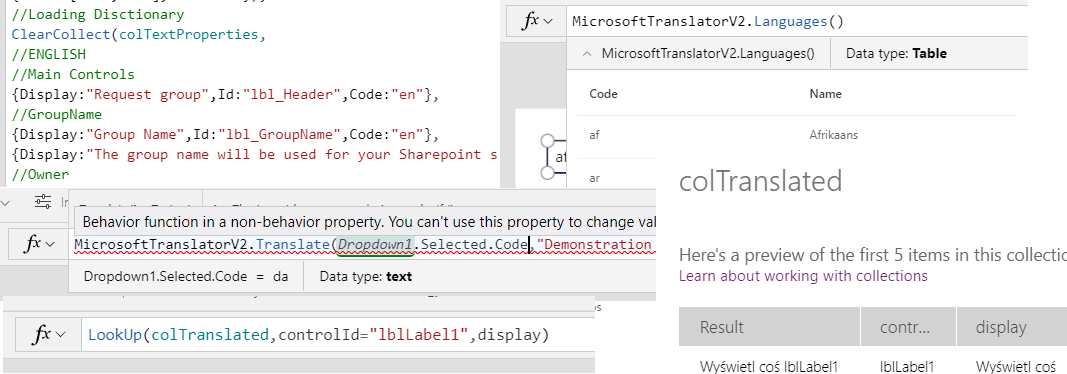
Multilingual Power Apps can be created via Microsoft Translator or proper setup of data in the App. Learn how Microsoft Translator is working as currently V2 of this connector has been released to preview.
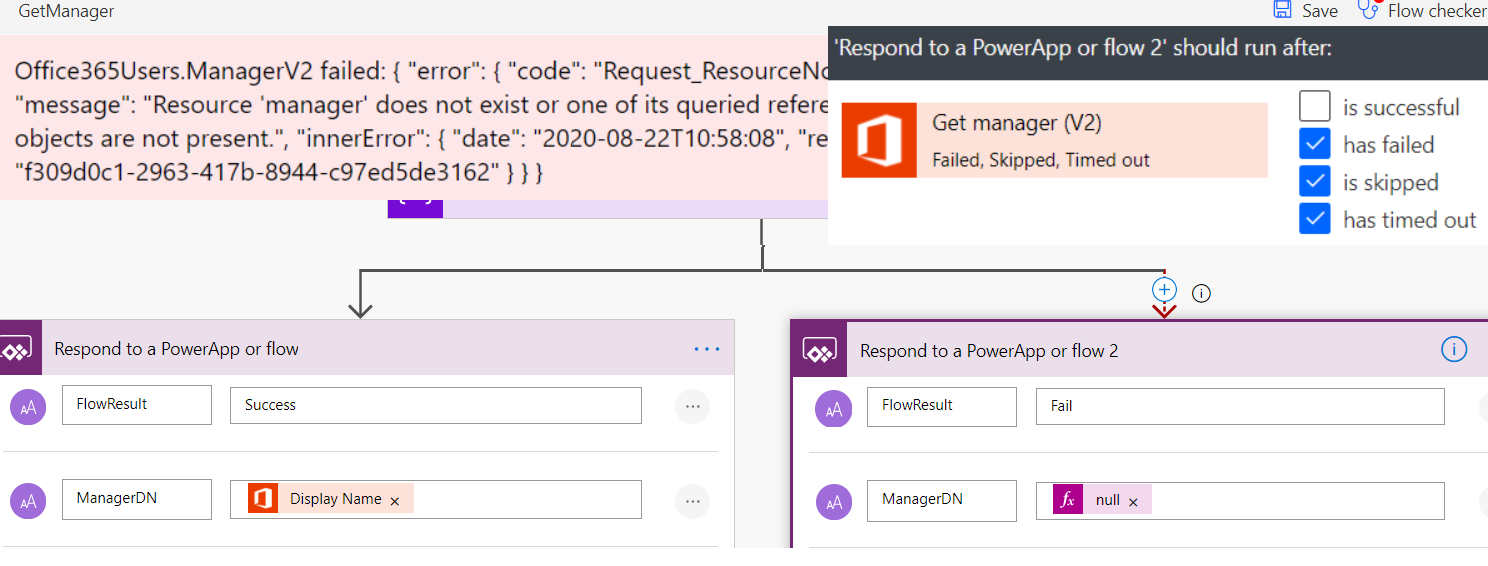
While working with Office 365 Users connector you can face issue with Get Manager methods and your Users will see big red error. This post will explain how to deal with this error.

Method which to allow Users download PDF files directly from Power Apps, of course behind the scene Power Automate is doing hard work to generate PDF and link for its download.

Thanks to Microsoft Teams connector directly used in Power Apps you can post messages to your channels from your Apps. This is step by step guide how to do it. Bonus: reply to MS Teams messages.
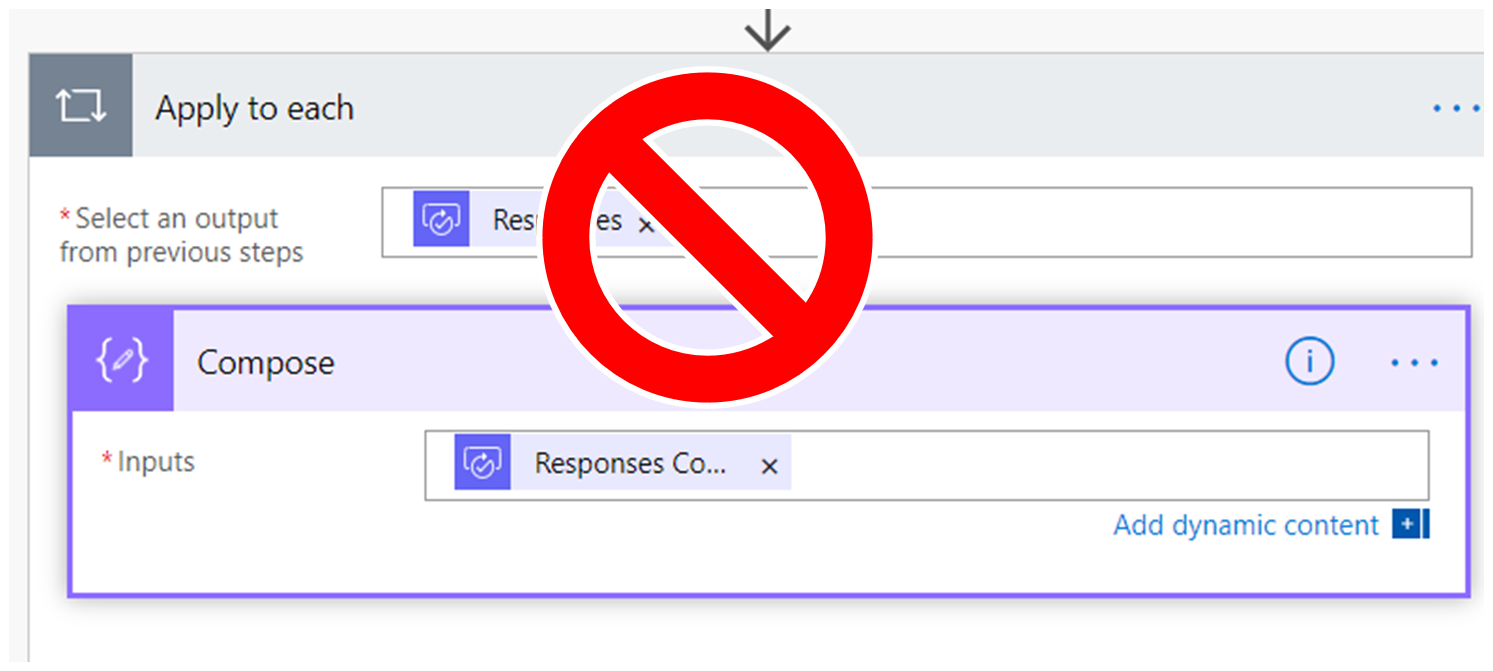
Power Automate creates Apply for Each loop even in scenarios where it is not required. This is explanation how you create process without loop with function or by using index of item in array.
Power Apps thanks collections and gallery gives Makers a lot of flexibility. Here showing how with minimum number of controls you can create very performant Menu for your Apps.
If you worked with SharePoint generated Form and decide to change drop-down control to combo box and after change value is not save correct. Solution how to deal with this problem.
Walk through of setup of dynamic breadcrumbs in your applications. Using only two collections, gallery and SINGLE LABEL! Showing how this can be configured in the whole solution without hard-coded values.