

How to resize images with Cloud Flows

If you are in need to create report with pictures and you ant to do it for free with out of the box connectors this blog post is for you. You will learn how to resize images to the small size and stay in the limit of the file size.

Read Article

How to start one Cloud Flow for multiple assets with Split On setting

Power Automate Cloud Flows have many settings which might help you to create better solutions. Learn how to with single toggle change your Flow to work with multiple items at time. Meet the Split On setting and learn how to use it in your work.

Read Article

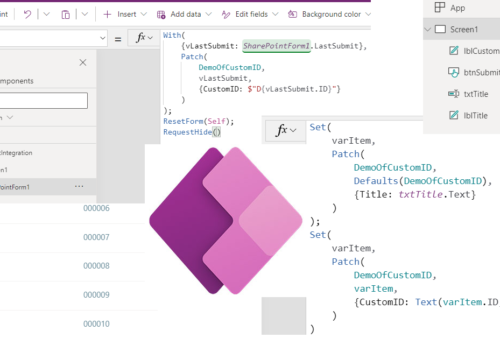
How to add SharePoint ID to custom ID in Power Apps

Learn how to instantly use SharePoint ID as part of your Custom ID in the Power Apps. More know what is to utilize Power Automate but it is connected with the delay from timer job… Learn how to avoid it and create your own ID with SharePoint ID in Power Apps.

Read Article

How to use Customized forms outside of Lists

Learn how to use Customized forms outside the New / View / Edit forms. Give your Customized forms some freedom.

Read Article

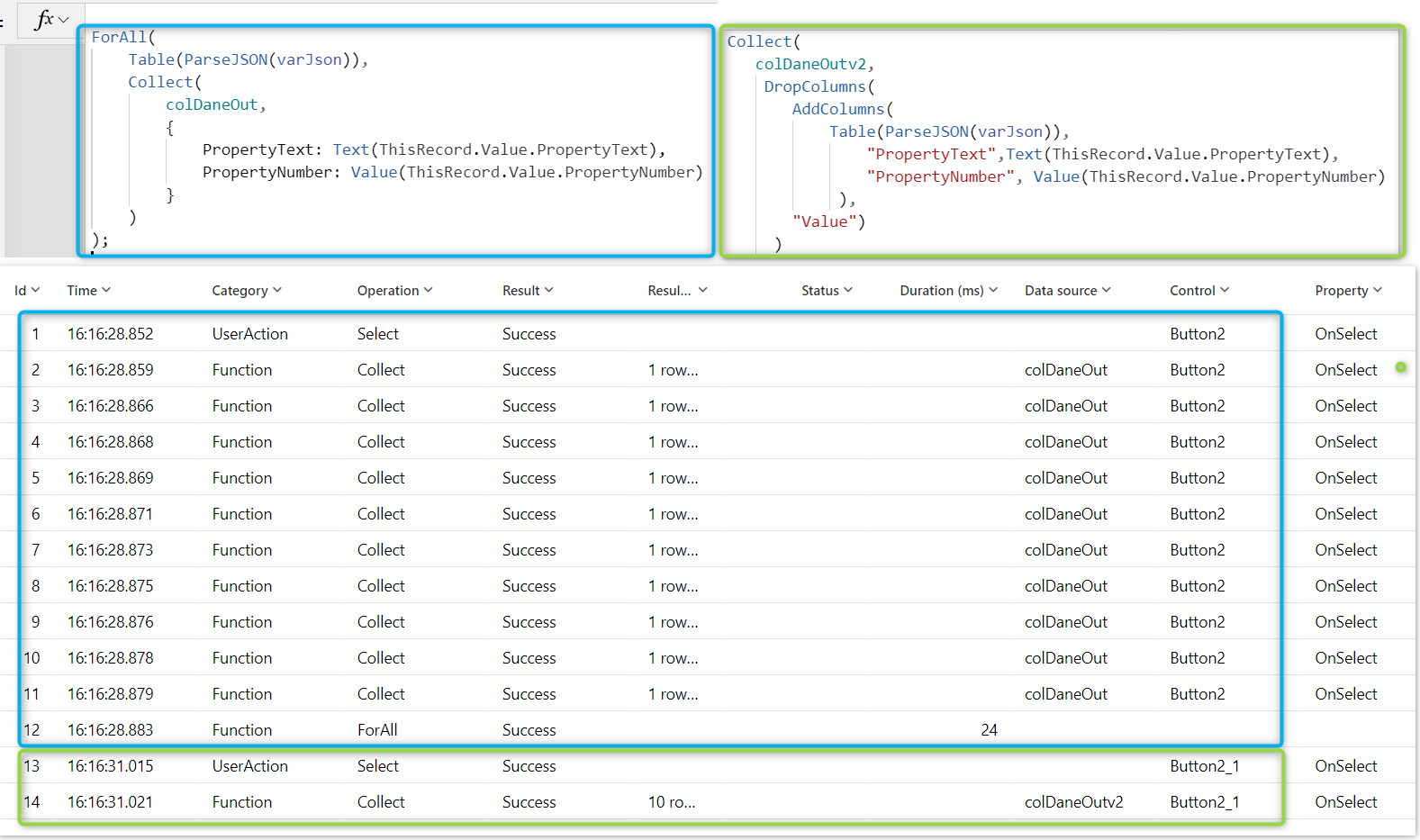
How to parse JSON faster in Power Apps

Parse JSON function finally is avaible for Power Apps. In this post I will show you step by step how to use For All function to process your data and I will show you alternative to it. The alternative way will be much faster and better for performance of your Apps, so hope you will use it asap.

Read Article

Resolution of AADSTS500014: The service principal for resource https://dev.teams.microsoft.com is disabled issue

Quick story of how to resolve issue: AADSTS500014: The service principal for resource https://dev.teams.microsoft.com is disabled

Read Article

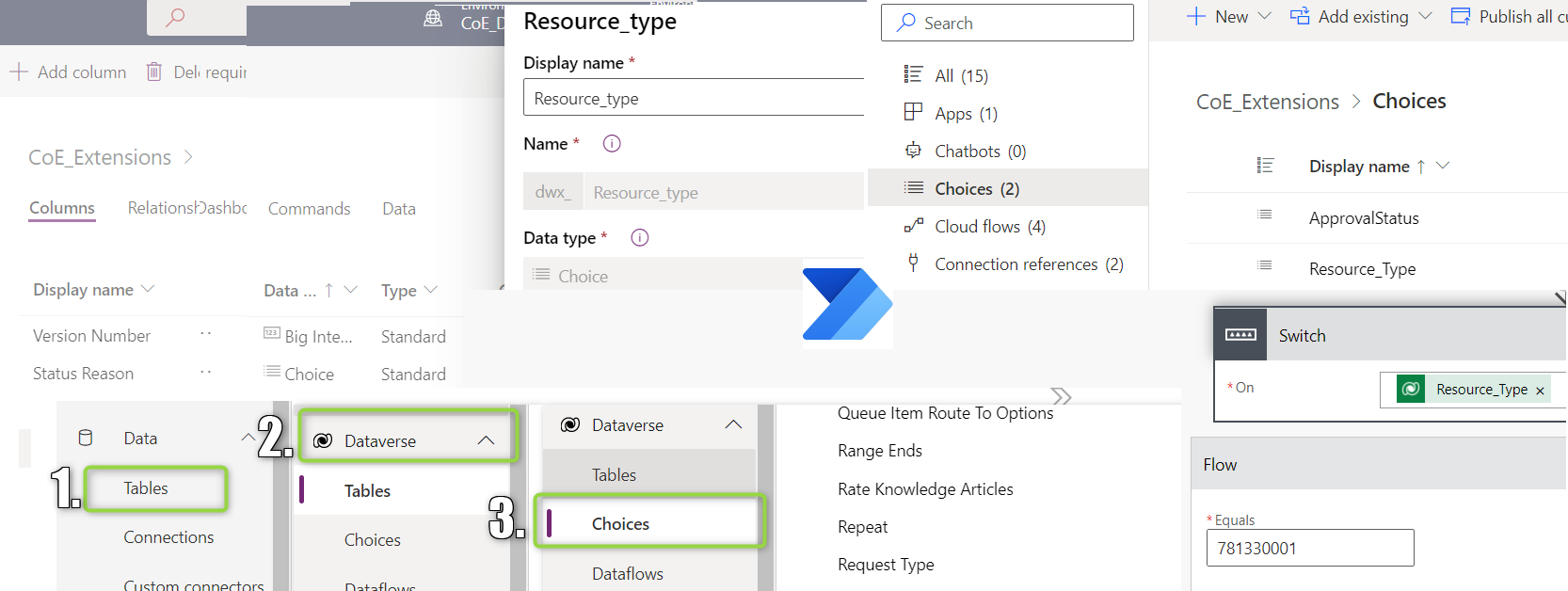
How to get Dataverse Choices values for Power Automate

How to get Dataverse Choices values for Power Automate will show my road of learning how to work with Choices field from Dataverse. You will also learn all the ways how which I learned how to find Choices in Dataverse.

Read Article

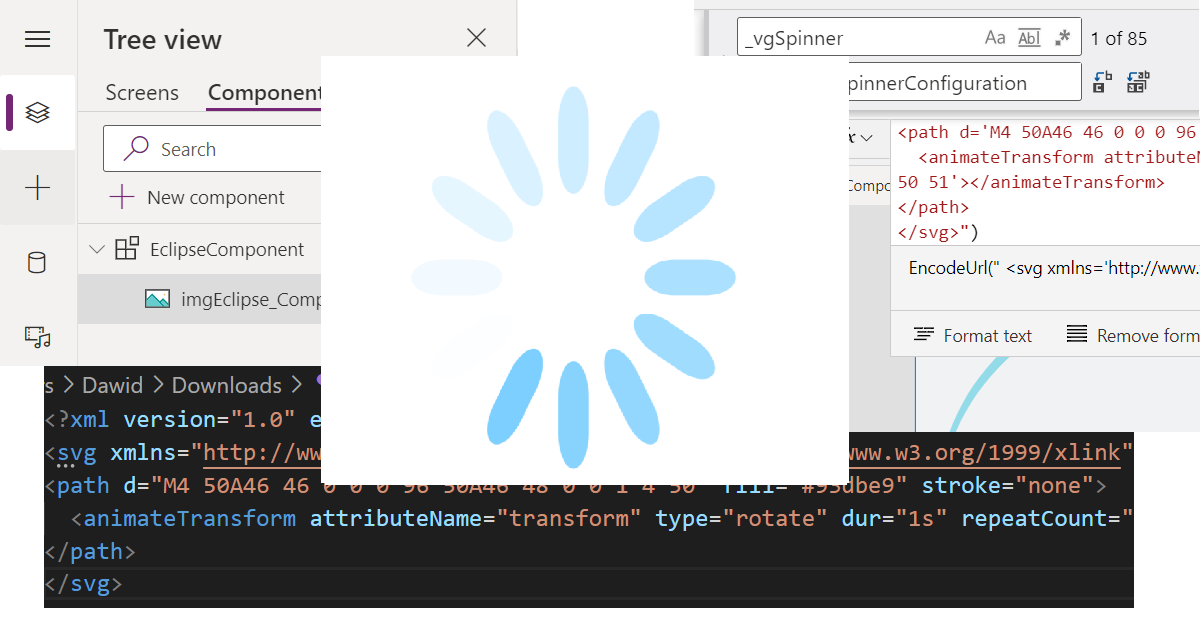
How to use SVG to create spinner in Power Apps

In how to use SVG to create spinner in Power Apps I’m describing the whole thinking process of using SVG in the Power Apps. In the end, I’m also sharing the ready to use Components and App, so the results can be achieved much quicker.

Read Article

How to get Site templates (Site Design) via Power Automate

How to get Site templates (Site Design) via Power Automate is showing how to “scan” get the list of all Site templates at your SharePoint tenant via REST API. Additionally, In the post I’m showing neat way to work with the returned objects without need to Parse Json action. Knowing the path to property is enough. That is also valid for working with Select action.

Read Article

How to Apply Site template (Site Design) via Power Automate

How to Apply Site template (Site Design) via Power Automate is showing how to work with Site template utilizing SharePoint REST API. Additionally In the post Error handling of REST API call is demonstrated and it can be used in many other scenarios. Final bonus is link point directly to the Flow run. Which is awesome for the debuging of failed Flows!

Read Article

Latest Articles

Read the latest release articles and learn without limits.

1

How to parse JSON faster in Power Apps

Parse JSON function finally is avaible for Power Apps. In this post I will show you step by step how to use For All function to process your data and I will show you alternative to it. The alternative way will be much faster and better for performance of your Apps, so hope you will use it asap.

0

How to get Site templates (Site Design) via Power Automate

How to get Site templates (Site Design) via Power Automate is showing how to “scan” get the list of all Site templates at your SharePoint tenant via REST API. Additionally, In the post I’m showing neat way to work with the returned objects without need to Parse Json action. Knowing the path to property is enough. That is also valid for working with Select action.

1
ApplySiteDesignFeatured

How to Apply Site template (Site Design) via Power Automate

How to Apply Site template (Site Design) via Power Automate is showing how to work with Site template utilizing SharePoint REST API. Additionally In the post Error handling of REST API call is demonstrated and it can be used in many other scenarios. Final bonus is link point directly to the Flow run. Which is awesome for the debuging of failed Flows!