
Pay-as-you-go plan is evolving for a while and with the recent changes around per App licensing I was force to learn about it. Pay-as-you-go is full of surprises and you should learn about them fast. This is investment to save your time and money.
Blog Archive
0
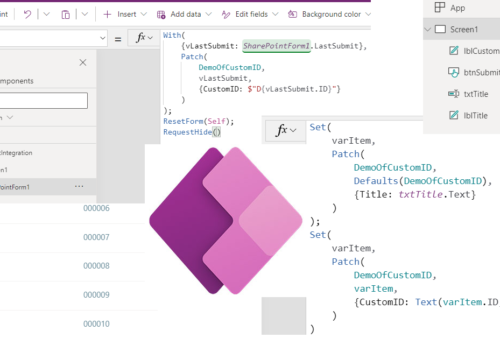
How to add SharePoint ID to custom ID in Power Apps
Learn how to instantly use SharePoint ID as part of your Custom ID in the Power Apps. More know what is to utilize Power Automate but it is connected with the delay from timer job… Learn how to avoid it and create your own ID with SharePoint ID in Power Apps.
0

How to use Customized forms outside of Lists
Learn how to use Customized forms outside the New / View / Edit forms. Give your Customized forms some freedom.
1
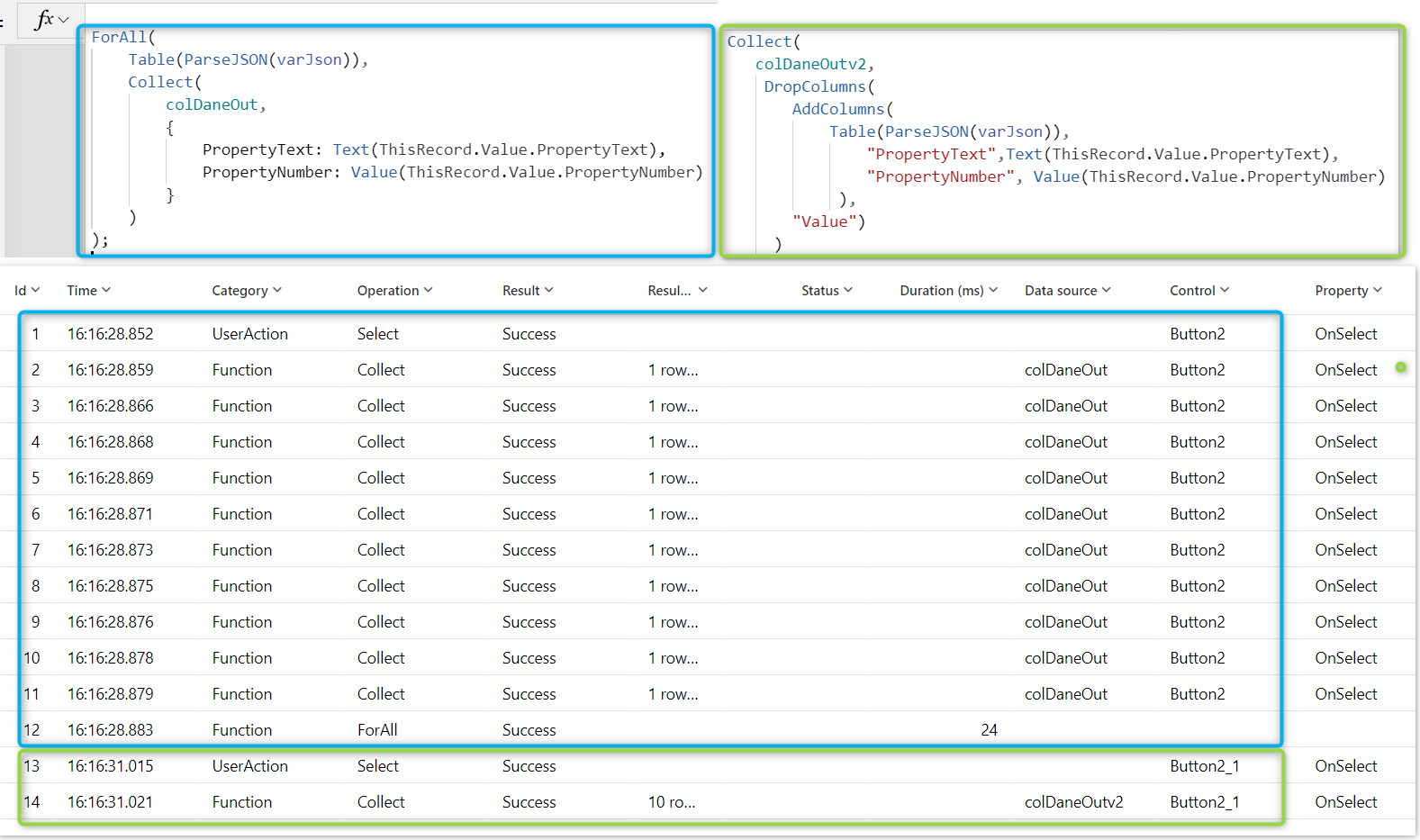
How to parse JSON faster in Power Apps
Parse JSON function finally is avaible for Power Apps. In this post I will show you step by step how to use For All function to process your data and I will show you alternative to it. The alternative way will be much faster and better for performance of your Apps, so hope you will use it asap.
1
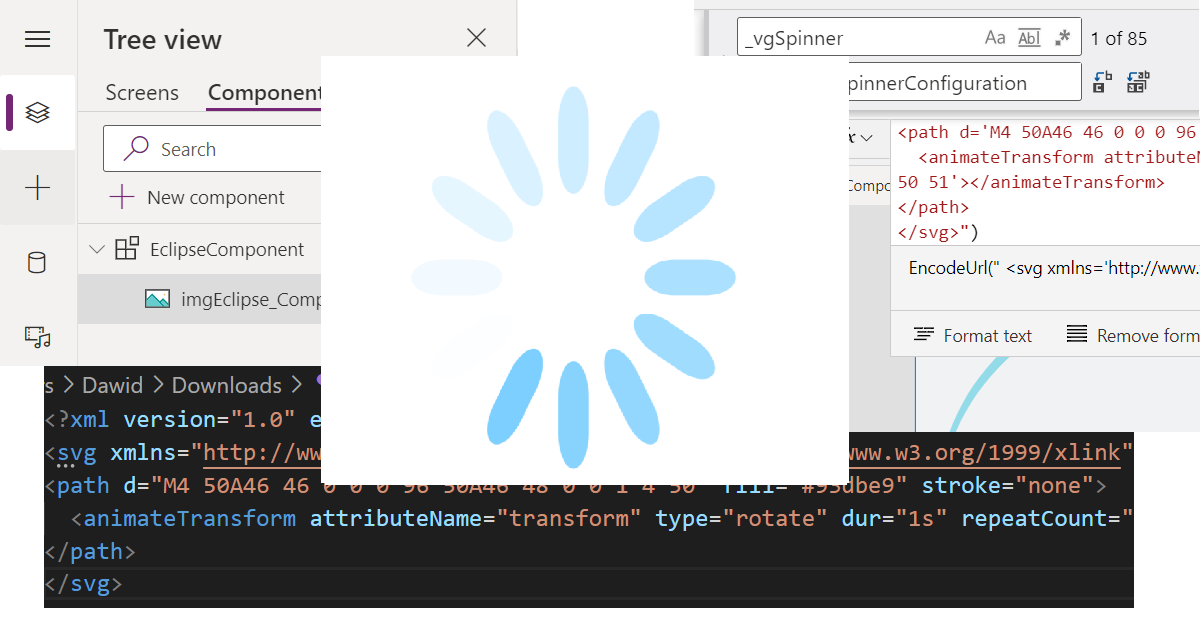
How to use SVG to create spinner in Power Apps
In how to use SVG to create spinner in Power Apps I’m describing the whole thinking process of using SVG in the Power Apps. In the end, I’m also sharing the ready to use Components and App, so the results can be achieved much quicker.
0
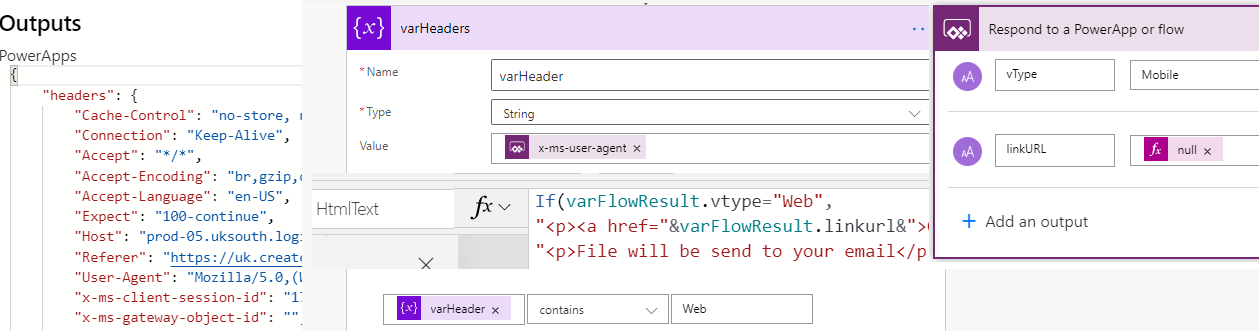
Check device type of Power Apps
How to check device of Power Apps client not using Signals? It can be done via Power Automate headers. In this post I will not only show how to access this information and correct property. But also I’m showing example: how to control if file should be downloaded or not depending on the device type.
0
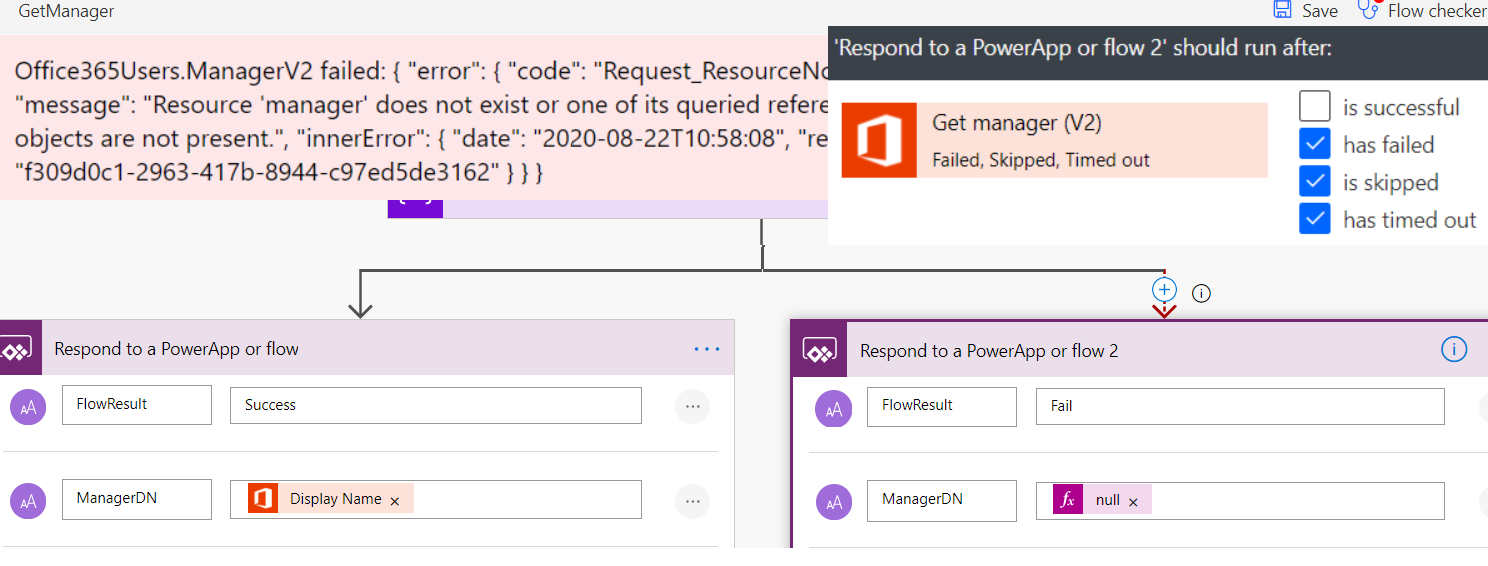
Get Manager error in Power Apps
While working with Office 365 Users connector you can face issue with Get Manager methods and your Users will see big red error. This post will explain how to deal with this error.
7

Download PDF from Power Apps
Method which to allow Users download PDF files directly from Power Apps, of course behind the scene Power Automate is doing hard work to generate PDF and link for its download.
5

Microsoft Teams messages from Power Apps
Thanks to Microsoft Teams connector directly used in Power Apps you can post messages to your channels from your Apps. This is step by step guide how to do it. Bonus: reply to MS Teams messages.
0
Power Menu
Power Apps thanks collections and gallery gives Makers a lot of flexibility. Here showing how with minimum number of controls you can create very performant Menu for your Apps.