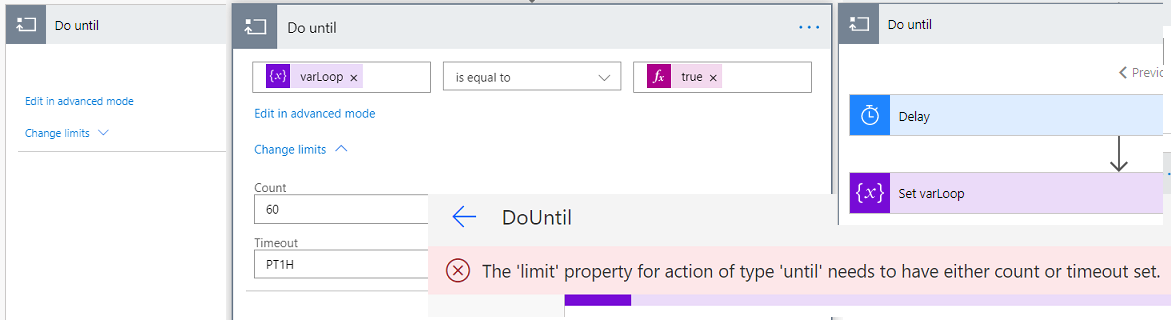
Do Until next to Apply to each is second loop in Power Automate. Where Apply to Each use is common the Do Until not so much. Learn and understood how you can use this loop in building of your Flows.
Blog Archive
0
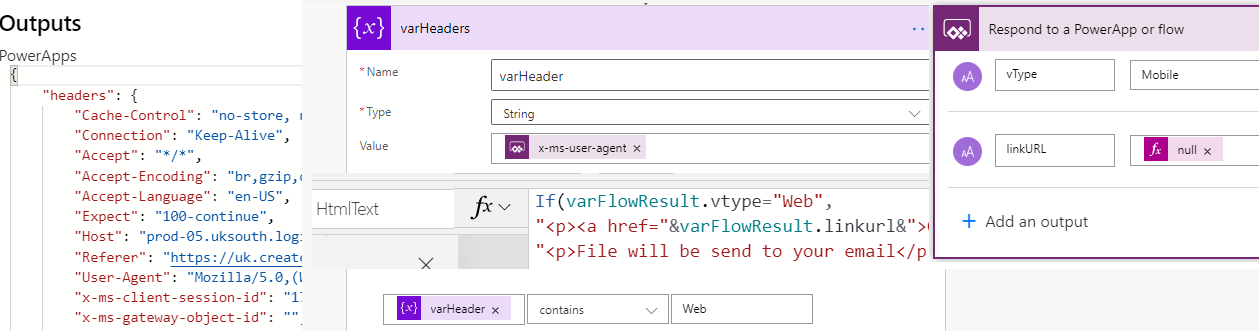
Check device type of Power Apps
How to check device of Power Apps client not using Signals? It can be done via Power Automate headers. In this post I will not only show how to access this information and correct property. But also I’m showing example: how to control if file should be downloaded or not depending on the device type.
0
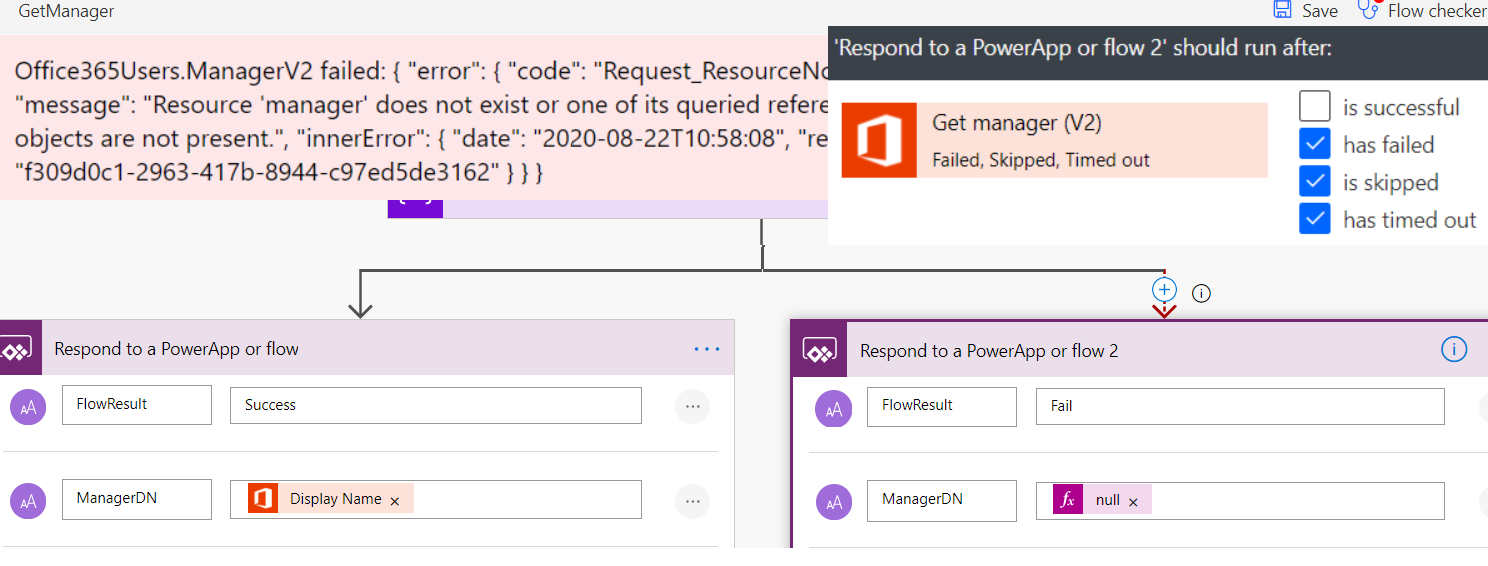
Get Manager error in Power Apps
While working with Office 365 Users connector you can face issue with Get Manager methods and your Users will see big red error. This post will explain how to deal with this error.
7

Download PDF from Power Apps
Method which to allow Users download PDF files directly from Power Apps, of course behind the scene Power Automate is doing hard work to generate PDF and link for its download.
4
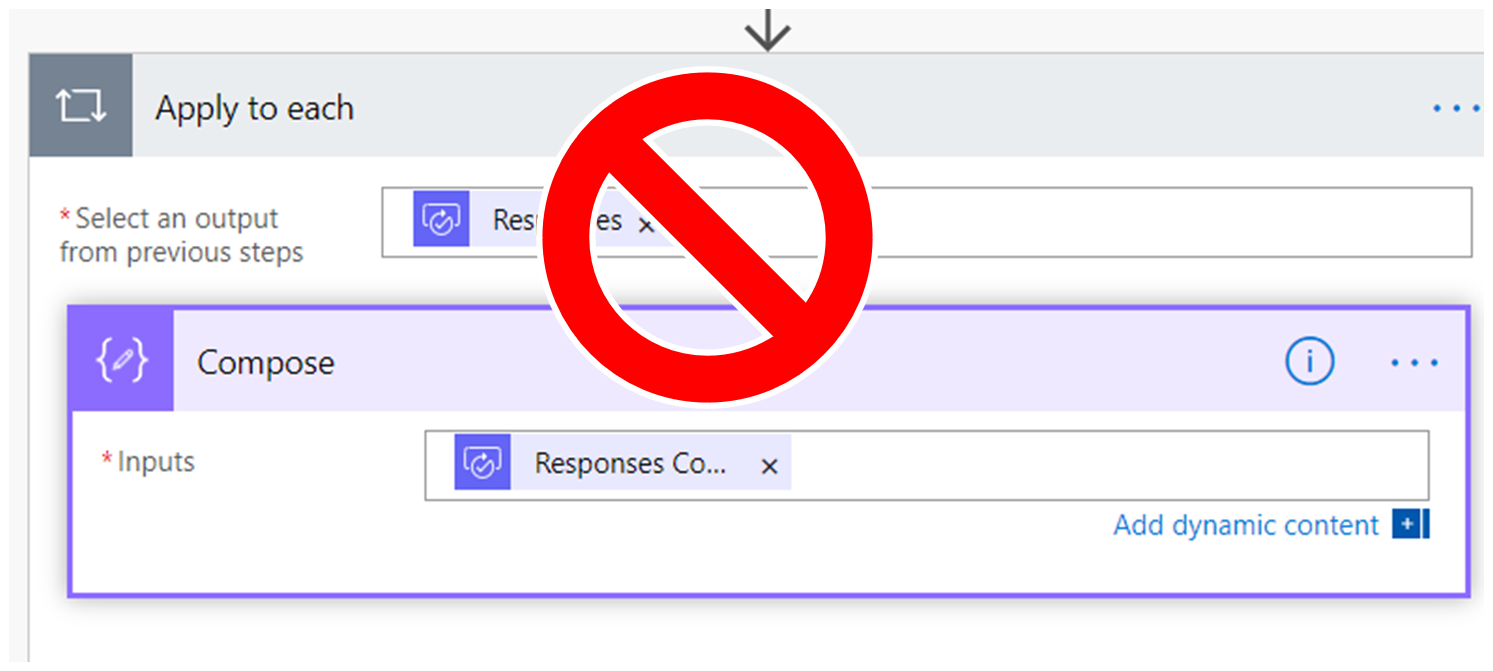
Power Automate without loop
Power Automate creates Apply for Each loop even in scenarios where it is not required. This is explanation how you create process without loop with function or by using index of item in array.