First impression Teams and Power Apps
First impression Teams and Power Apps
Today (22.09.2020) made spontaneously decision to deliver First impression Teams and Power Apps integration. I know that MSIgnite is about to start and my enthusiasm is already ignited but I couldn’t help myself to not write when I notice change in Microsoft Teams and Power Apps. It looks like Project Oakdale will be officially announced in a couple of hours. Therefore, without further delay:
Setup
First question worth to answer is where to start. I just added Power Apps App in Teams and used link:
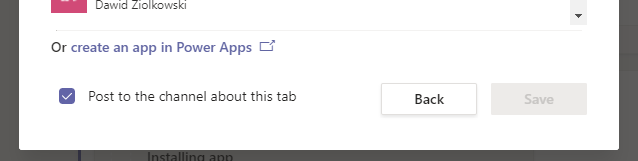
That opened new panel (after upgrading my current App version)
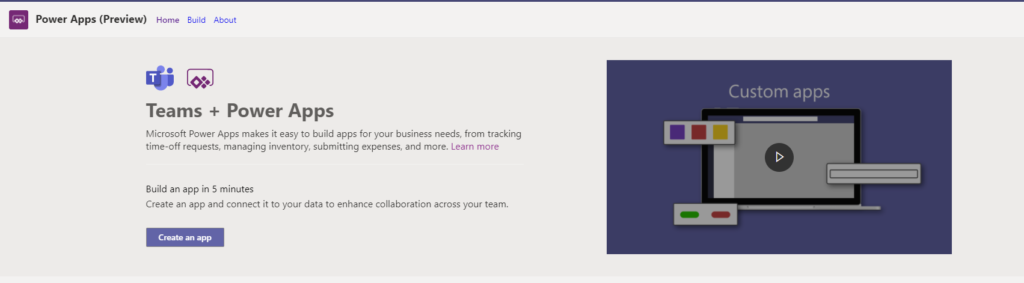
First thing which I notice was three brand-new template Apps:
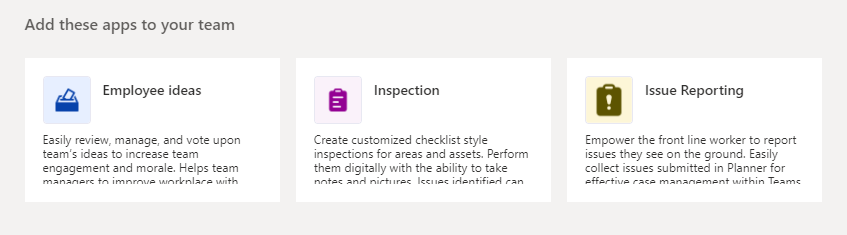
New template App
I was so excited and started installation of the first App. I need to be honest what I saw after App loaded was just AWESOME. The first impression is it really Power Apps App?
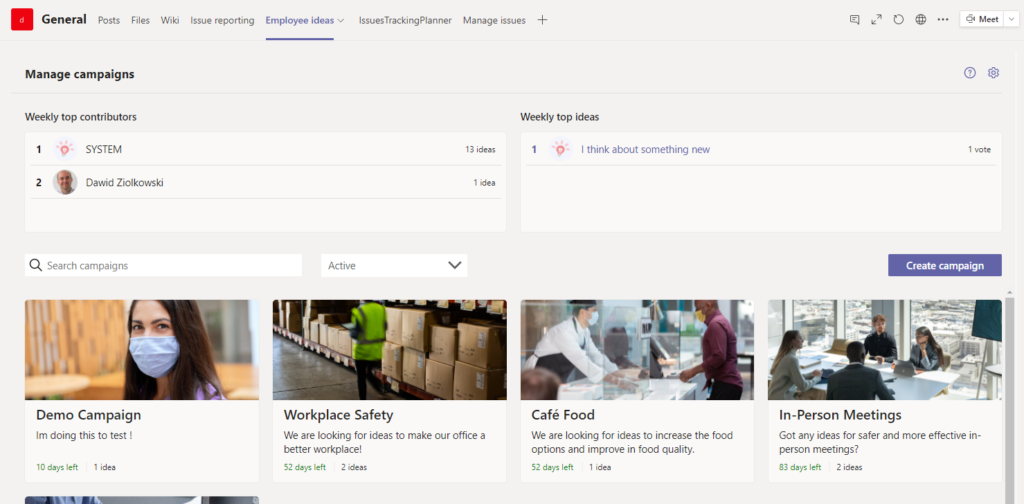
Of course as a Maker I decided to click in the App and the open DESIGNER.
Designer
To find the designer it took me a moment as to start to edit App I needed to navigate from Power Apps App so it is one of the Apps which I will pin in my Teams.
What I found it was list of Recent Apps which looked like the list which I know from make.PowerApps. When clicked the link Designer started to load in Build tab.
I already notice a couple subtle or bigger changes:
Menu is slightly different and cannot find the option to use Save As…

HINT
Just hit F12 and it will save and download the msapp file of your App^^
Three dots menu
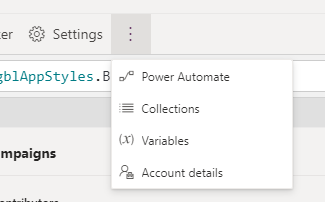
Tree View shows the Integration control (hope it will be working much better than SharePoint integration). Additionally, in the configuration of sample Apps I saw tons of components and containers, although experimental are here in common use.

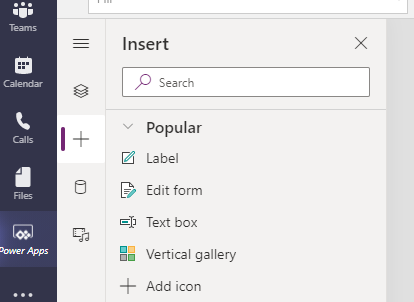
To add new controls to the Screen I found the option via Insert Pane. This is something to what I will need to get use to.
Data / Tables
The last biggest change for me, it was an option in the Add Data. It allowed me to add new Tables (CDS entities)
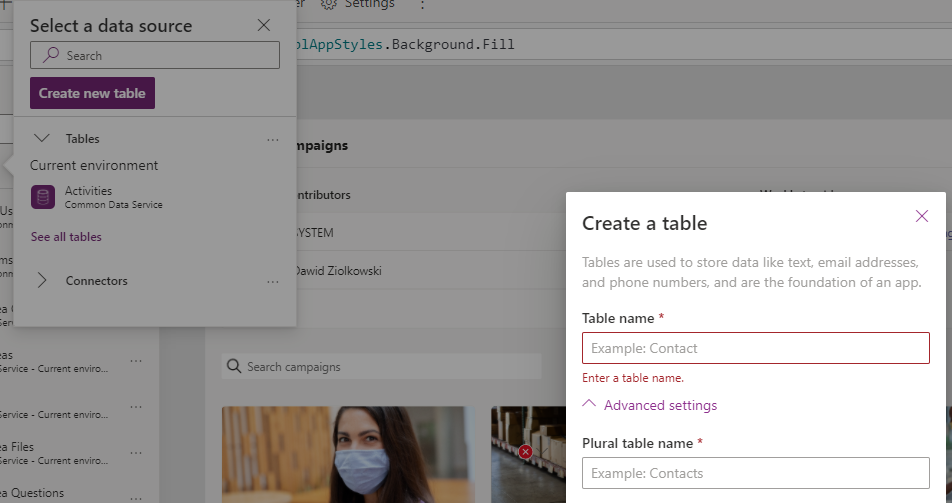
After adding a new table I could edit it directly in the App. (Need to check if I can access edition of the data in other way…)
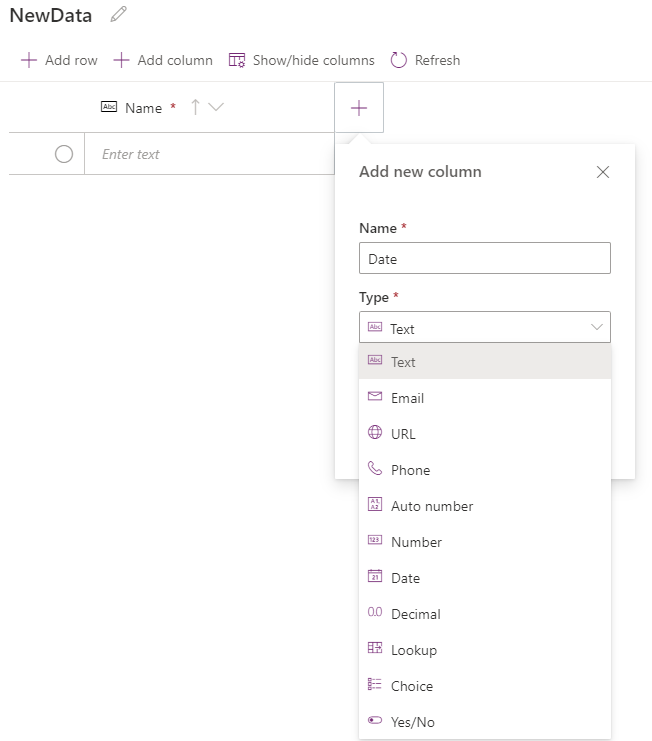
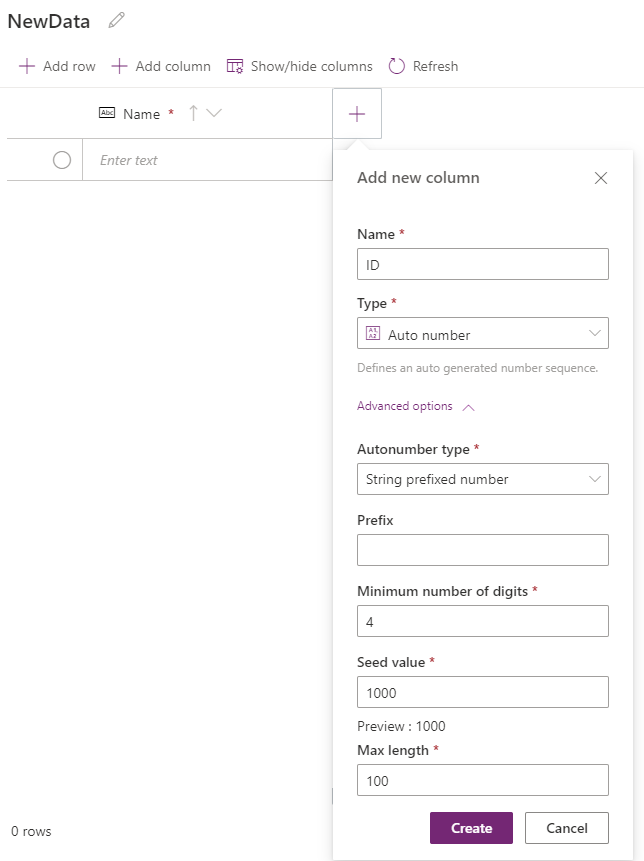
The first interesting field for me, it was Auto number (my background is SharePoint) couldn’t help myself to not check how it is working.
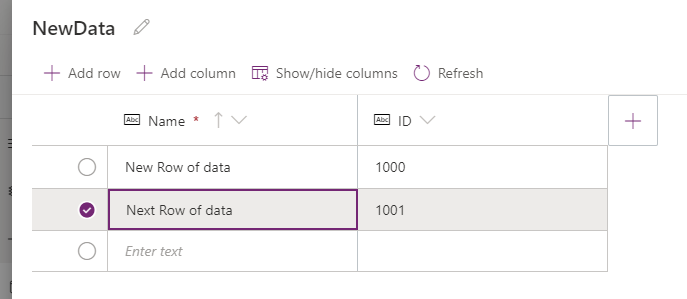
Result
Shortly speaking I feel here great potential to explore and new options.
Show / Hide columns took me again to start to think about SharePoint:

Environments
Next question which pop off in my mind can I migrate the Apps? Started to look for that option… Couldn’t find it, but I was rewarded with new finding. Each time when you add App to Team where there was no App a new Environment of Microsoft Teams is created. This is where all table data are stored.
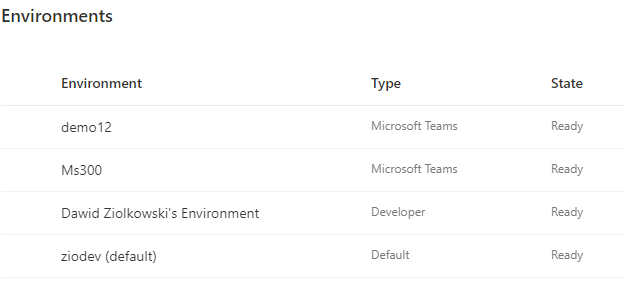
That can indicate that Apps created in Team have awareness only Apps from the same Team.
Different environment / different team = lack of access to Entities. I needed to check this theory.
Apps can easily connect to other Environments and SharePoint. When did that there was no error:
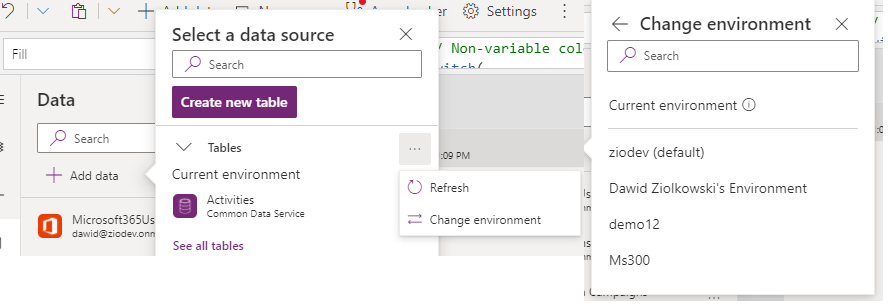
But when tried to edit data from different Environment error closed designer… After reload there was no option to Edit data:
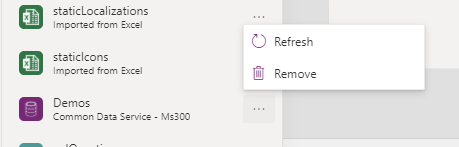
Data can be used, created and edited in Power Apps. I checked that via connection of Table from other env, adding Gallery, Form and Button to submit data.
By that I notice a new property called ButtonType which is not yet in the documentation:

Summary
Finally, I’m finishing of First Impression Teams and Power Apps. I’m very excited therefore cannot wait for the Ms Ignite to start. And learn what new will be added to MS365 and Power Platform, however I already manage to click around feel that this is just the tip of the iceberg.